
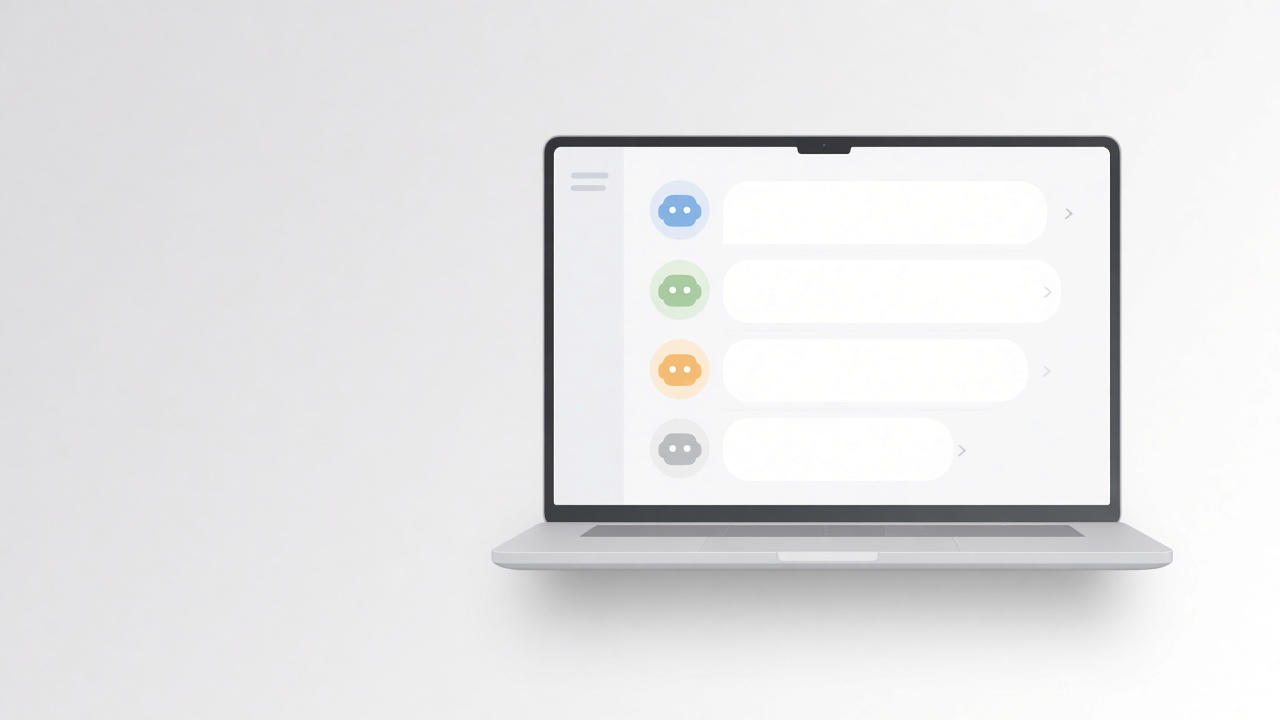
Alan has been running a team of AI bots on his Mac. Not one assistant stuck in a single chat.
That is OpenMausBot. Open source. Every bot is a contact with its own job, its own model, and its own memory of the thread. When you want, it can use a computer and connected apps. It sits on your machine, with your keys.
Alan builds products for himself and for clients. For a long time the habit was open one chatbot and hope. That falls apart the second you need a desk - someone on the build path, someone hunting opportunities, someone drafting socials, someone turning stills into short clips - and a rule that nothing posts or ships unless he says so.
So each bot gets a role. They work in parallel. They come back when they need him.
Who this is for
If you already pay for models (Claude, Codex, Grok, Cursor, and the rest) and you want those brains to use tools, work on a machine you can watch, and keep files on your disk by default, this shape fits.
It also fits if you want scheduled jobs - inbox, releases, weekly numbers, support - and a phone companion, without moving the brain off the desktop.
What it can do
It is not a demo of "chat with AI." It is closer to a small company of agents inside a messaging app.
You pick a brain per bot - Claude next to Codex, Grok, Cursor, and more - and you can switch mid-conversation.
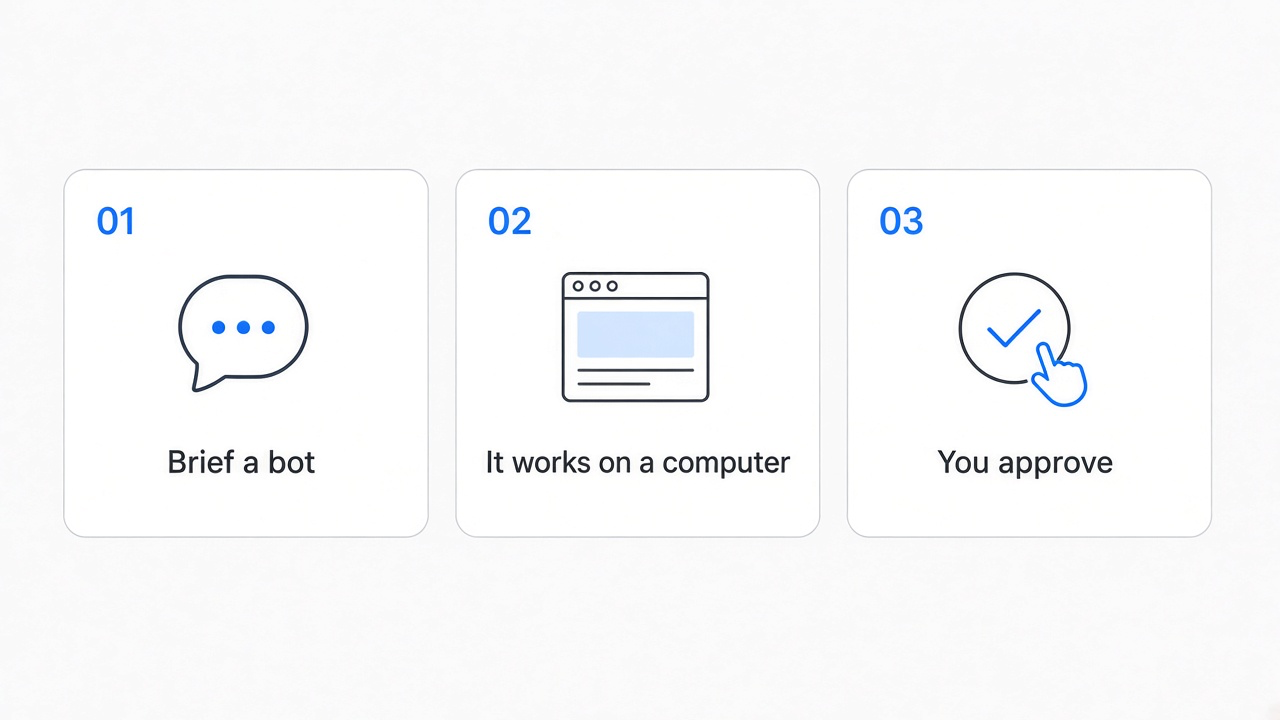
Each bot can get a computer: a cloud Linux desktop with a live preview, or your Mac after you opt in.
Connect Gmail, Slack, GitHub, Notion, Linear, and a long list of others once. Then any bot can use them.
Bots behave like chats you can pin, mark unread, duplicate, hide, or delete.
Credentials go in settings once. The UI only shows that something is set, not the secret itself.
With an ElevenLabs key, a bot can speak replies, take a call, narrate what it is doing, and ask for approvals out loud.
Routines cover whatever you would brief a new hire on: inbox sweep, invoice chase, release QA, PR review, weekly numbers, support triage, bookings. There is no fixed menu of allowed jobs.
You can import a whole team from one file. Connections stay off until you approve them. Routines arrive paused. Packages do not bring your credentials or private history.
Channels keep Work, Personal, and each project separate without cloning every bot.
Desktop is primary - macOS, Windows, Ubuntu. Phone is a companion (Android APK and iOS TestFlight via Discord).
Under the hood
Bots run on the agent CLIs and subscriptions you already have. OpenMausBot is not trying to become another AI bill in the middle.
A local harness on your machine owns the processes. Transcripts, keys, and events live under ~/.openmausbot. Local-first is the default.
Risky steps - shell, edits, anything consequential - can ask for approval first. You stay the gate.
Free and open source (Apache 2.0). Early. The loop already works: message, agent, tools, approvals, finished work. No crypto token. No affiliation with any cryptocurrency.
How Alan uses it
At Lab13AI, OpenMausBot is the ops layer while Alan builds.
He keeps a Chief of Staff as the front door. Specialist bots hunt opportunities, validate ideas, name things, and coach the build path. Marketing bots handle calendars and drafts - nothing goes live without his explicit OK. A motion bot turns stills into short clips. Computer-use covers the Mac screen and the browser when a task needs hands, with approvals. The phone companion is for checking threads away from the desk.
He does not treat it as one chatbot. He treats it as a small company of agents, each with a job. He stays the approval gate.
That is what sold him. Not cleverer one-shot answers. A desk that keeps working in the shape of a team.
Get it
- Site: https://www.openmausbot.com
- GitHub: https://github.com/milind-soni/OpenMausBot
- Discord (community + Android / iOS access): https://discord.gg/9Wb8MEpXRs
Free. Open source. A team of bots in a chat app, on your machine.